Build anATS friendlyresume

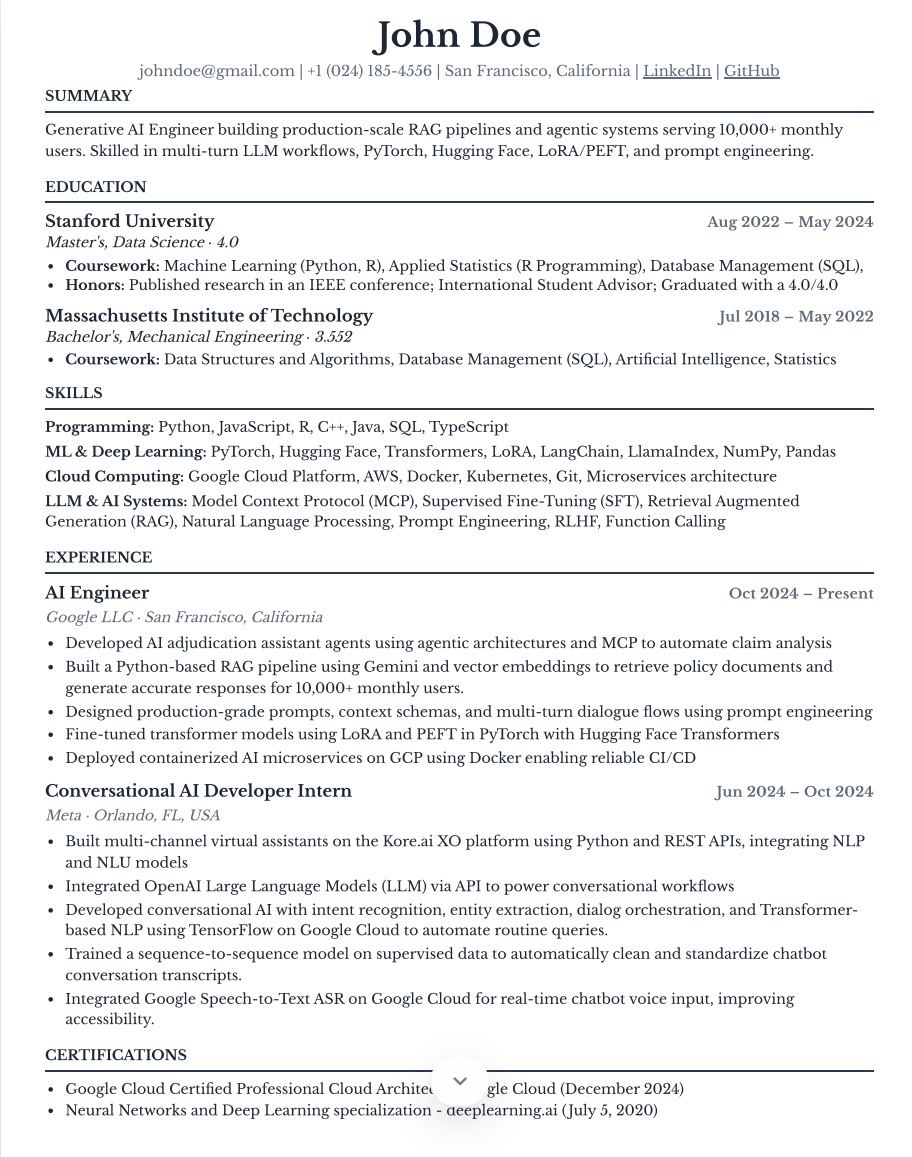
Example ATS friendly resume created in Vibe Apply
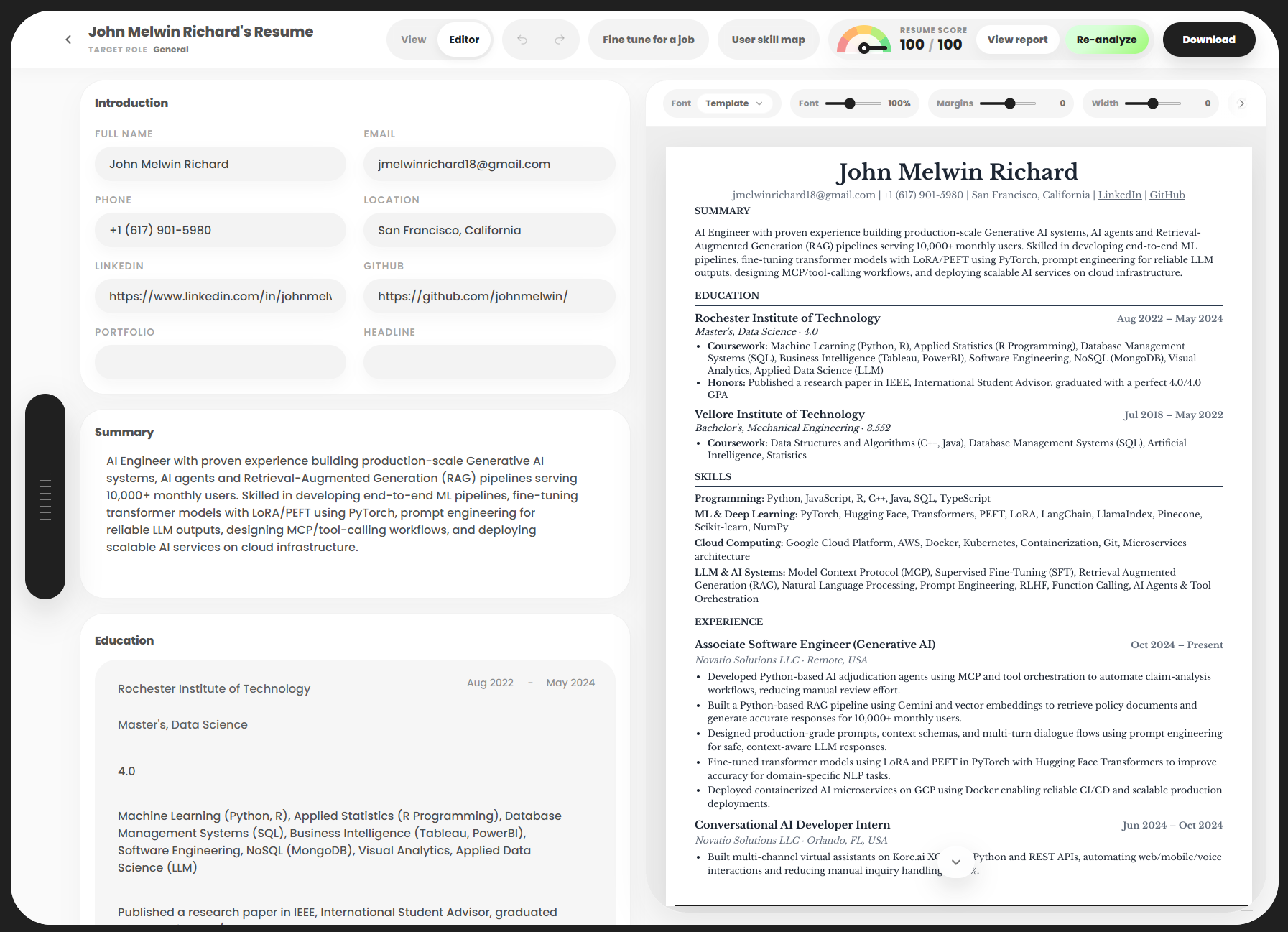
Actual resume built with Vibe Apply
Build my resume

Edit on one side. Preview on the other.

Full Vibe Apply Resume Builder editor and live resume preview
Edit here
Preview here

Magic rewrite, one bullet at a time.

Use Magic beside any bullet or paragraph to sharpen the wording and clarify its impact without changing the rest of your resume.

Original

Worked with the product team to redesign onboarding and improve the experience for new customers.

Magic rewrite

Led a cross-functional onboarding redesign that increased new-user activation by 28% and shortened time to value.

Know what is holding your resume back.

Score it before you apply, open the full report, and turn focused feedback into a stronger version.

Resume score

92/100

Your sections. Your structure.

Reorder, remove, or add sections such as your summary, experience, projects, education, and skills. Create custom sections, adjust fonts and spacing, then download your finished resume.

01Summary
02Experience
03Projects
04Education
05Skills
06Certifications

Ready for every ATS.

A useful AI resume builder should do more than place your information into a template. It should help organize your experience, explain your impact clearly, and show how the finished resume will look before you send it. Vibe Apply brings writing, editing, live preview, resume scoring, formatting, and download tools into one focused workspace that can keep improving with your job search.

Create every important resume section.

Build a professional summary, work experience, projects, education, skills, certifications, and custom sections in the order that represents you best. Every section stays editable, helping recruiters scan your resume and applicant tracking systems identify important information.

Improve resume writing with focused AI.

Use Magic Rewrite on one bullet or paragraph when the wording feels unclear, repetitive, or passive. Compare the original and suggested versions, accept the improvement when it communicates your contribution better, or keep your existing language.

Preview, score, customize, and download.

Edit on one side and review the formatted resume on the other. Catch spacing and formatting issues while you write, use the resume score for focused feedback, adjust fonts and margins, then download the finished version for your next application.

Resume builder questions.

Can I create a resume from scratch?+

Yes. You can build a resume section by section, add or remove sections, reorder them, and keep editing the content as your experience changes.

How does resume scoring work?+

The score checks contact completeness, URL formatting, required core sections, and the number of bullets in your experience and projects. It also reviews the strength of your experience, project impact, and supporting sections, then shows where the resume can improve.

Do I get suggestions to improve my resume?+

Yes. The score report provides focused suggestions for sections that need attention, and Magic Rewrite can improve one bullet or paragraph at a time. You can review every suggestion before accepting it.

Can I change the resume font, margins, and layout?+

Yes. You can change the font, margins, and page width while viewing the formatted resume beside the editor. The live preview updates as you adjust the presentation.

Is the resume ATS-friendly?+

Yes. Vibe Apply uses clear resume sections and readable formatting designed for applicant tracking systems. The score also checks core sections and content quality, although no resume format can guarantee an interview or ATS ranking.